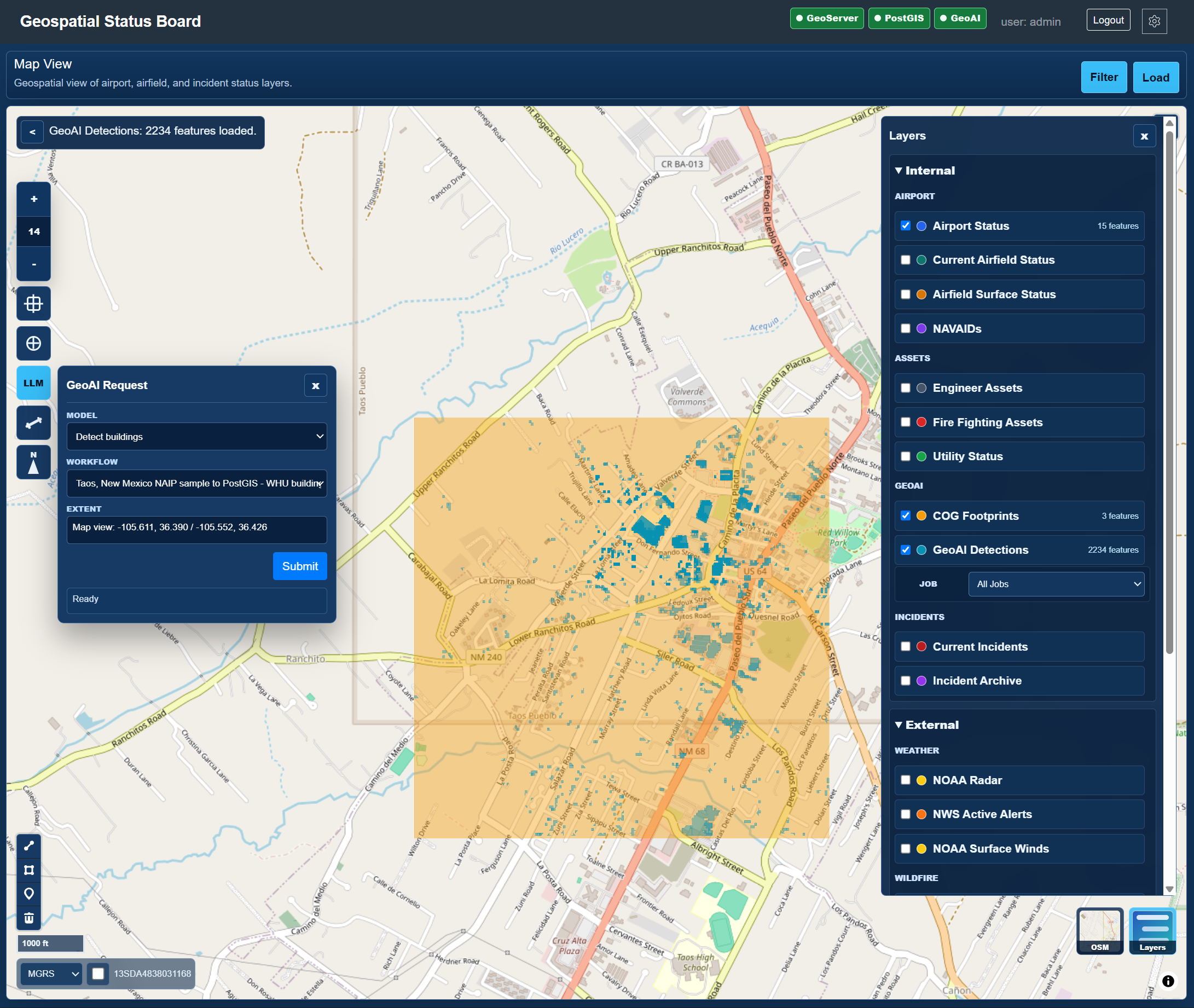
Geospatial Status Board
Operational map with GeoAI layers
MapLibre, GeoServer, PostGIS, layer controls, GeoAI request panel, MGRS, and operational overlays in one map surface.
Screenshots
These screenshots walk through the project functions a user or developer would interact with: operational map tools, GeoAI workflows, live data gateway events, MCP assistant tools, and ETL validation gates. Click any screenshot to open it full size in a new tab.
Screenshot Walkthrough
Status Board map capabilities that show the visible, user-facing behavior of the stack.
Geospatial Status Board
MapLibre, GeoServer, PostGIS, layer controls, GeoAI request panel, MGRS, and operational overlays in one map surface.
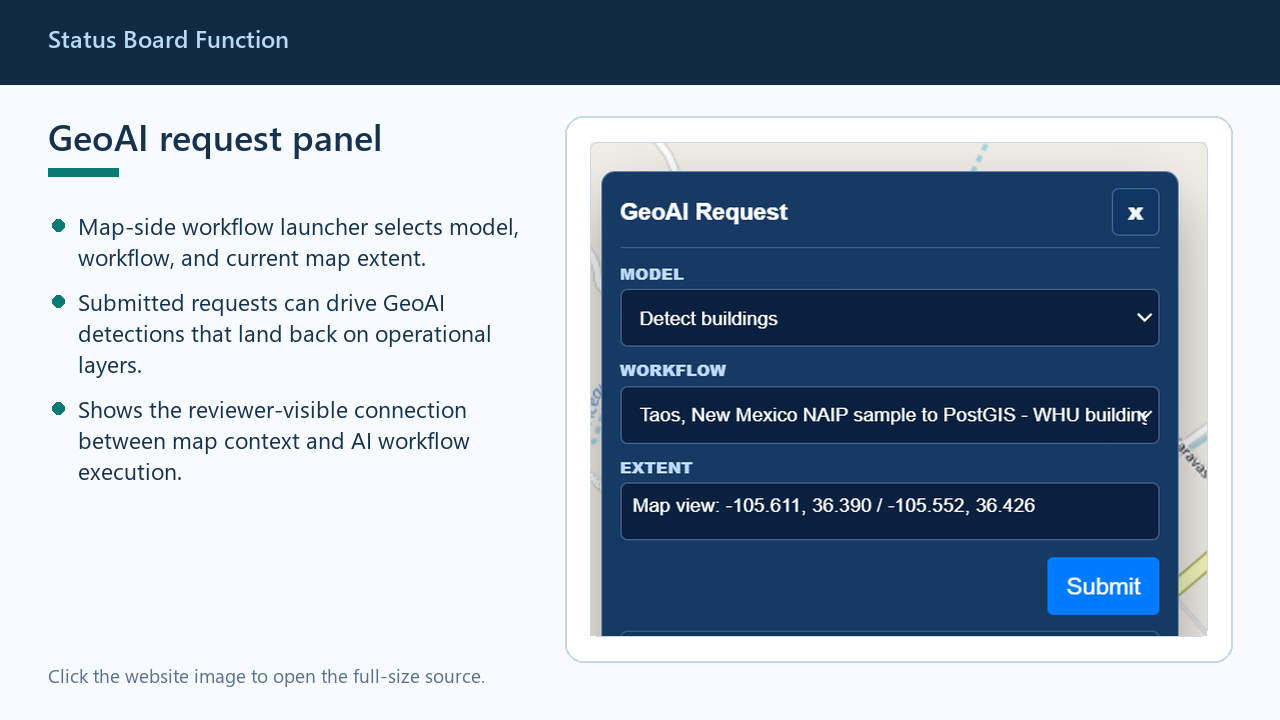
Status Board Function
Map-side workflow launcher for selecting a model, workflow, and current map extent before submitting a GeoAI job.
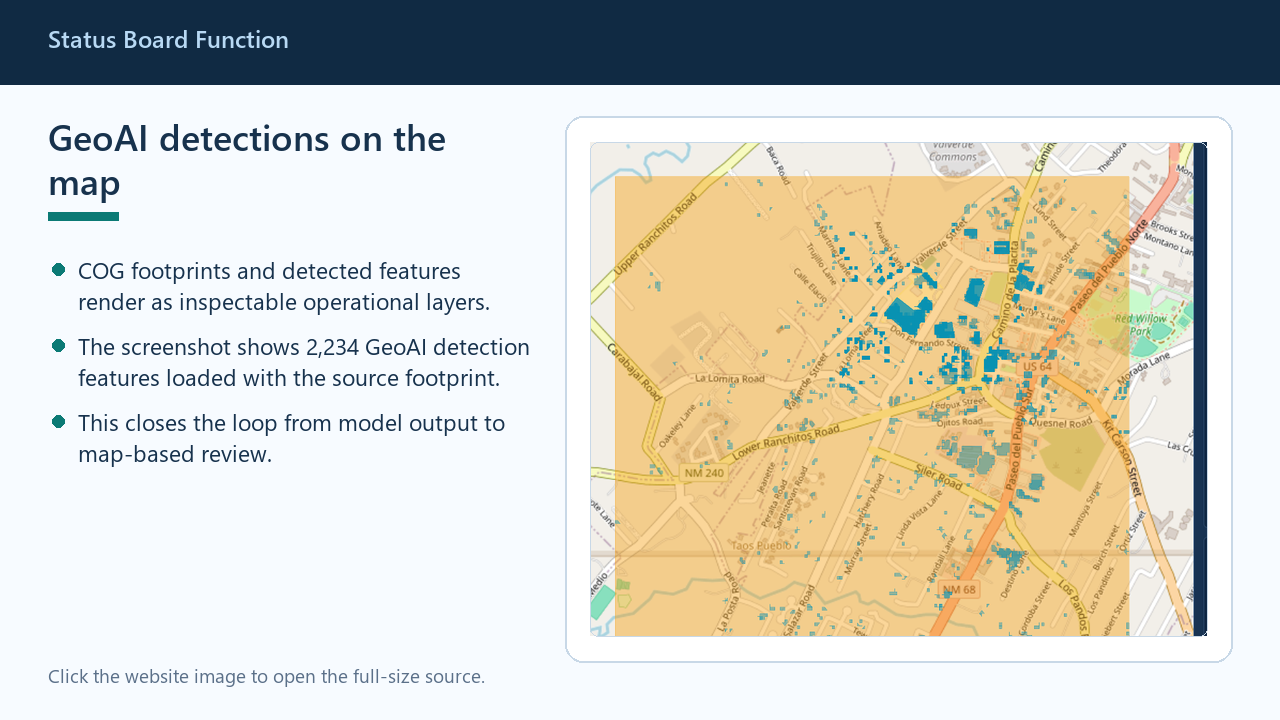
Status Board Function
Shows detected features and source footprints as map layers so model output can be inspected spatially.
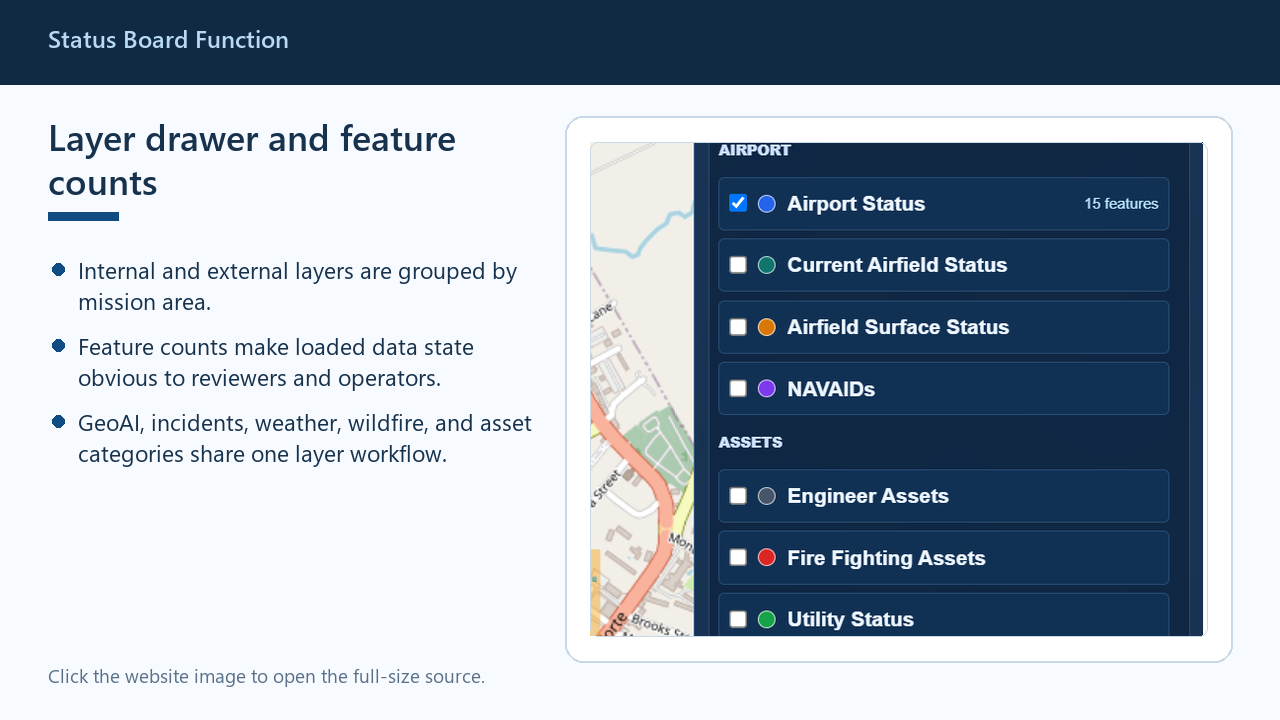
Status Board Function
Groups internal, GeoAI, incident, weather, wildfire, and asset layers with visible loaded-feature counts.
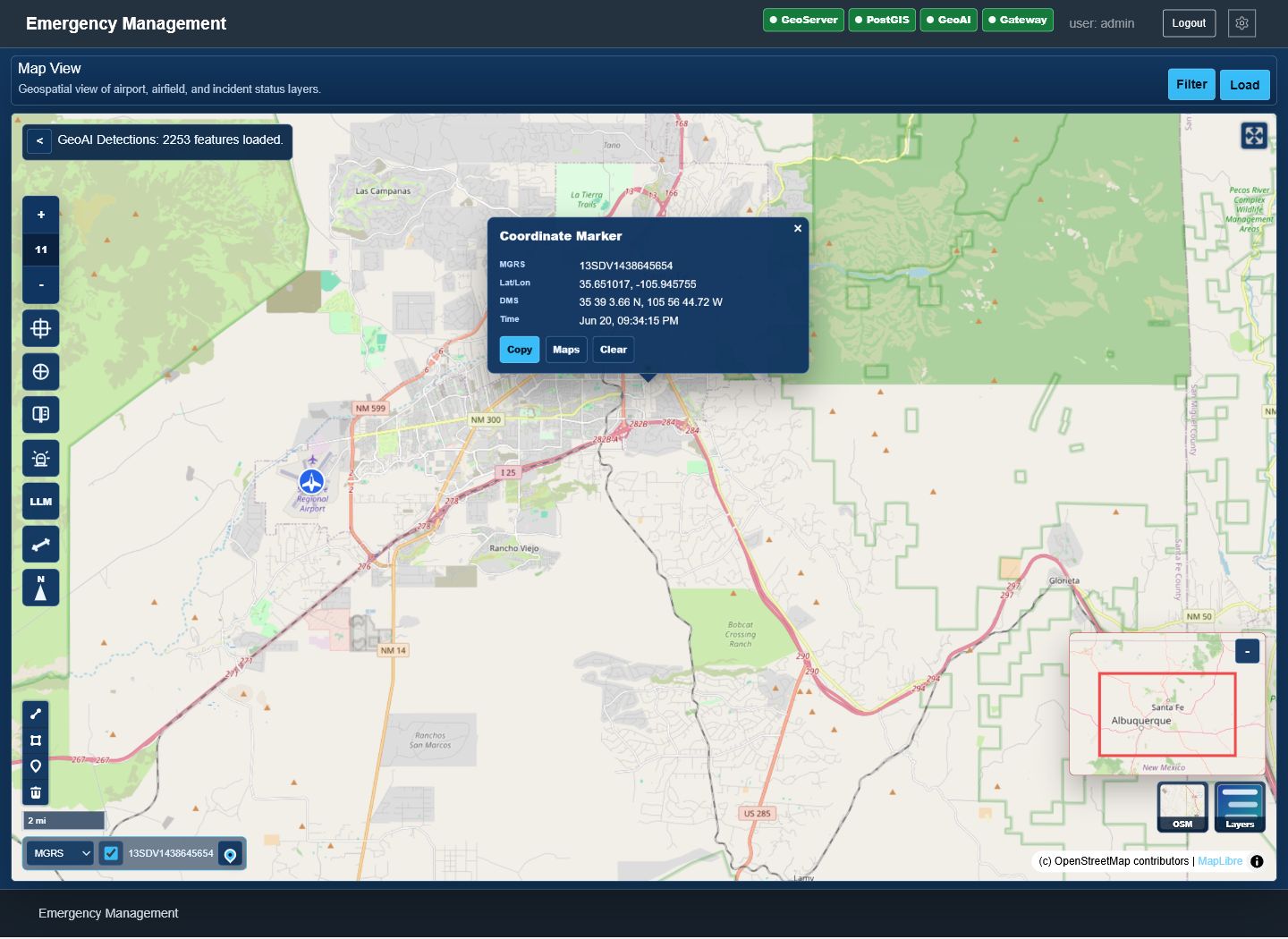
Status Board Function
Captures the common map tools, drawing controls, scale bar, and MGRS coordinate readout used for field-style workflows.
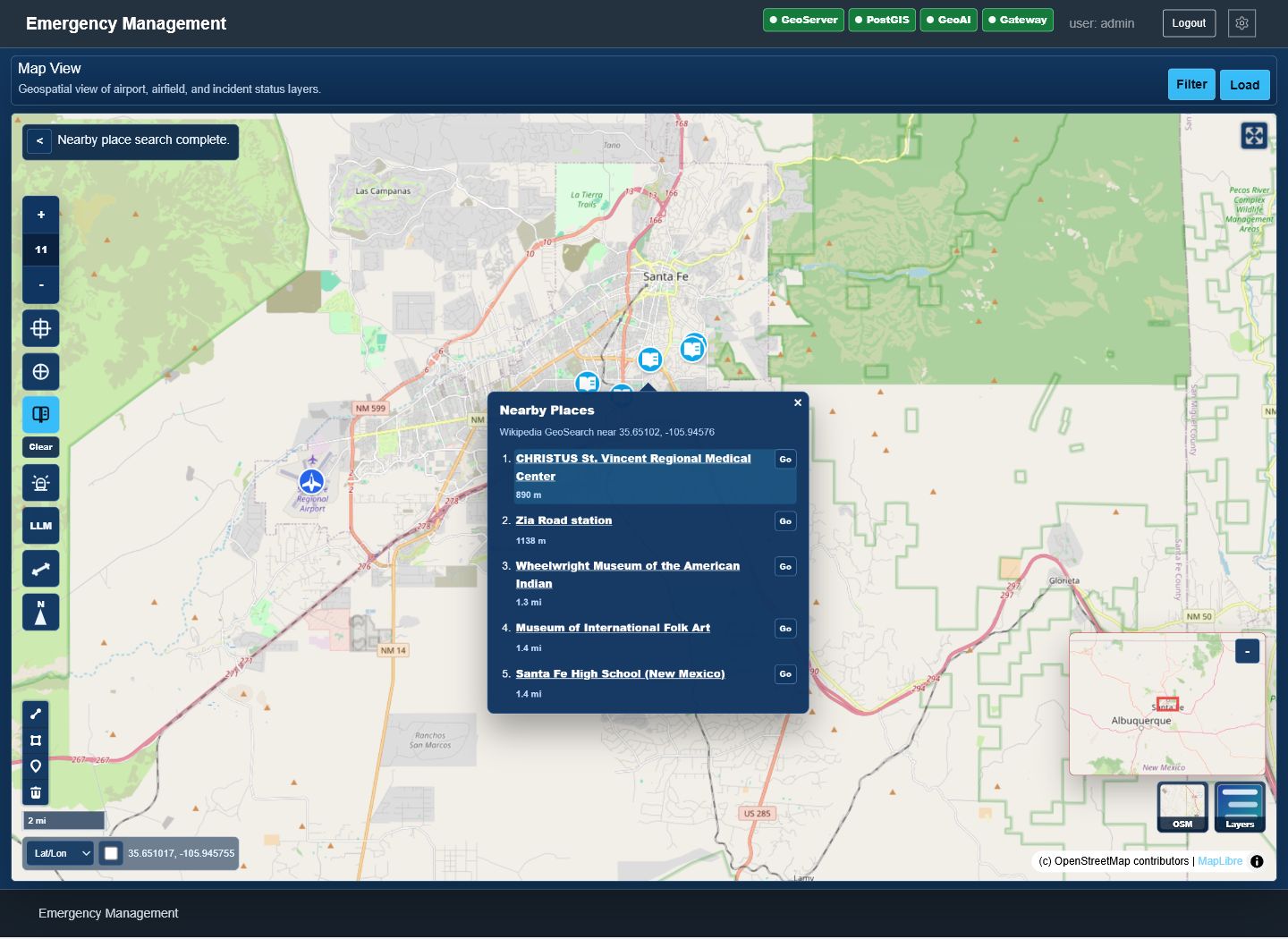
Status Board Function
Activates map-click search for nearby GeoNames and Wikipedia places, then shows source links and zoom actions in the open Nearby Places popup.
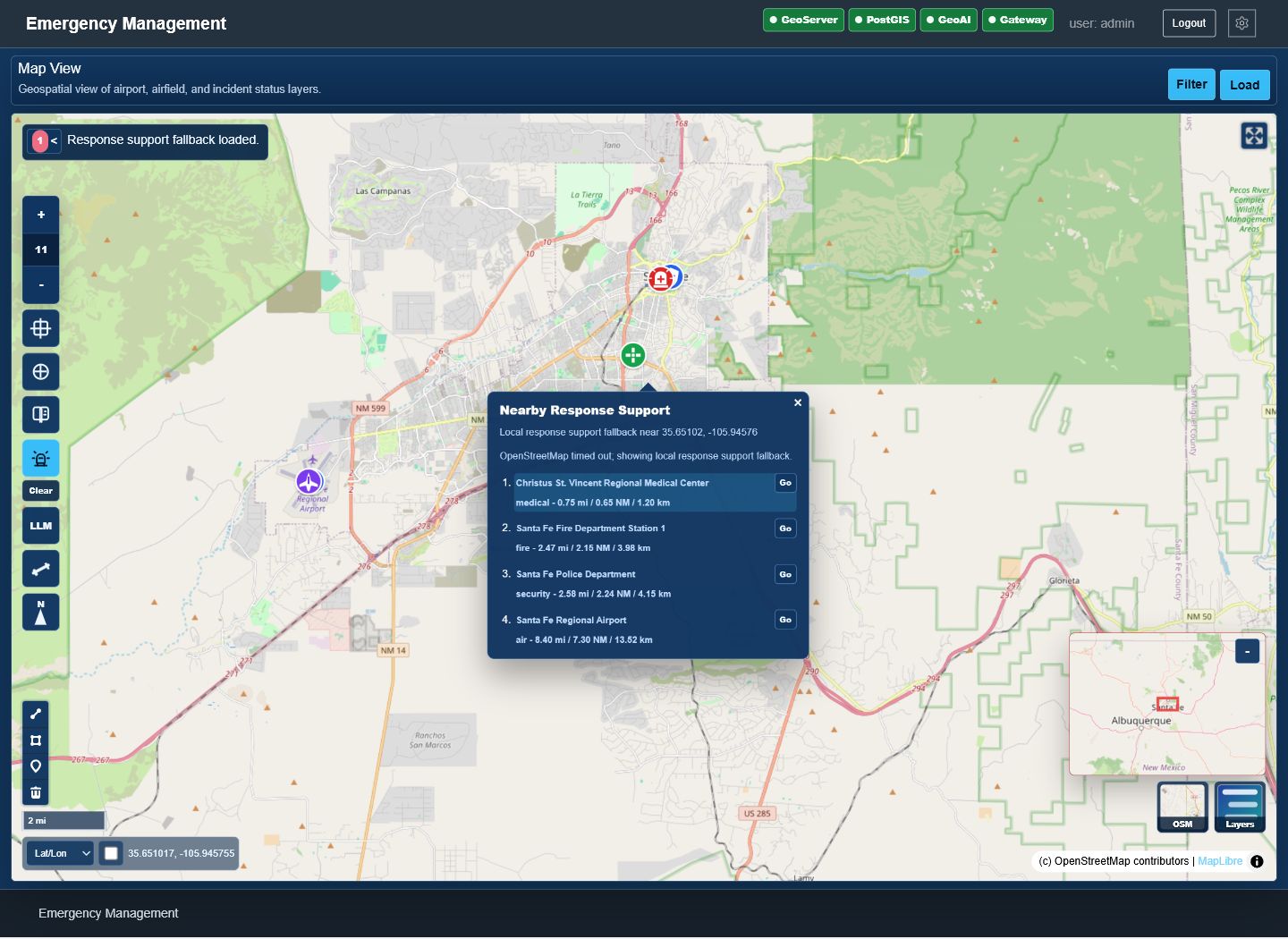
Status Board Function
Finds nearby response-support points for a selected incident or clicked location, using OpenStreetMap lookup with the local fallback results shown in the open popup.
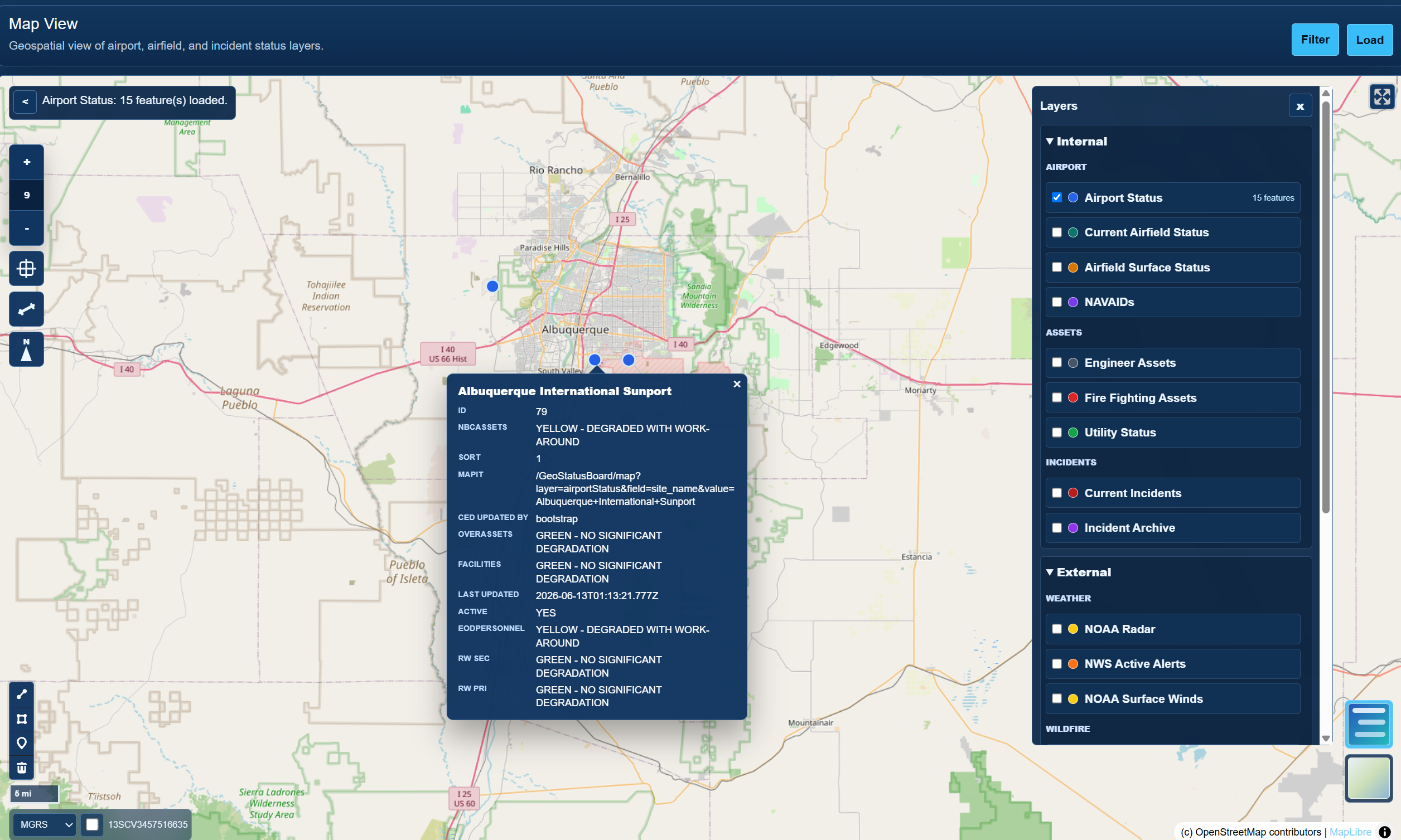
Feature Inspection
Feature details, configured layer categories, and user-facing map inspection on the same screen.
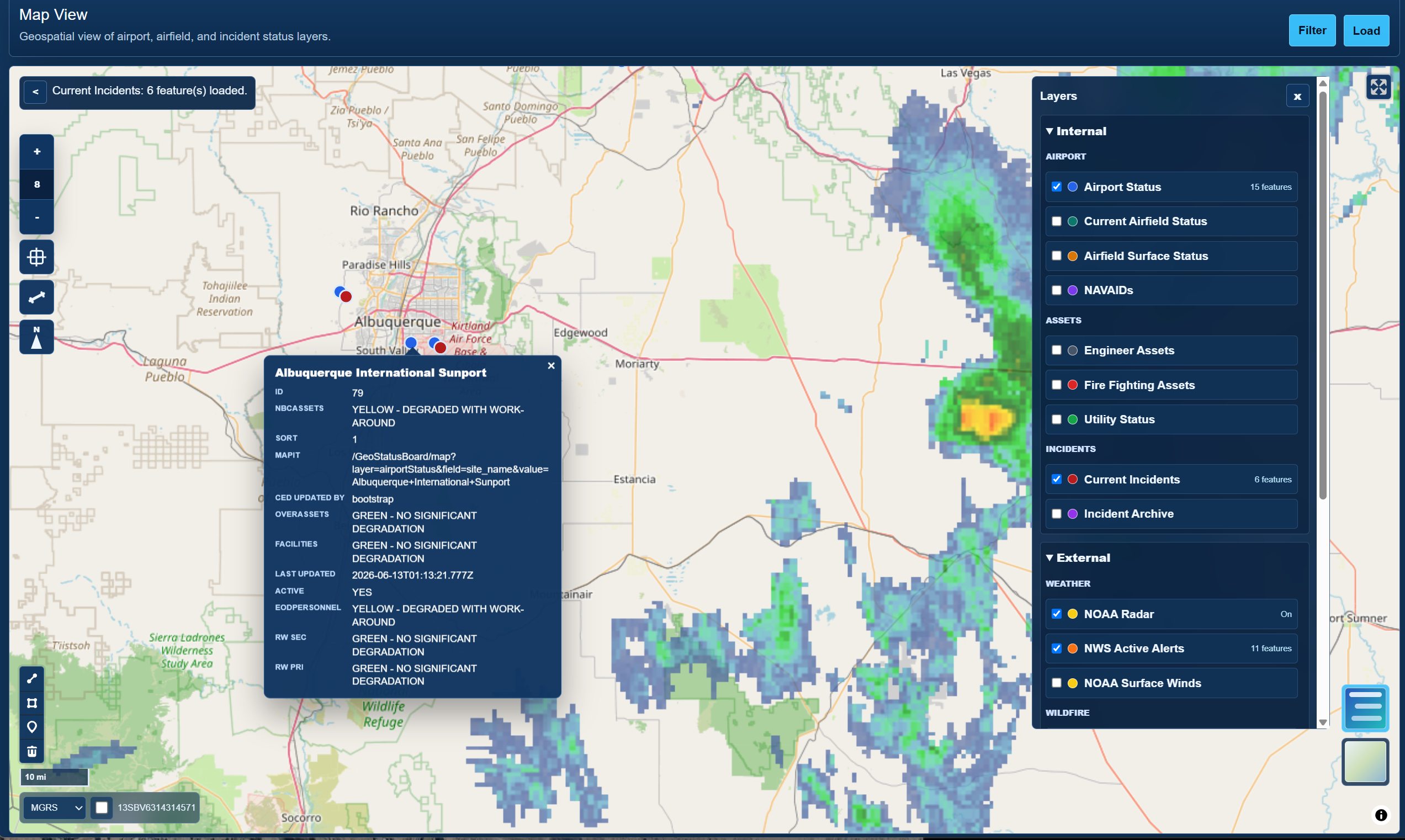
Incident Review
Incident mapping, layer review, weather context, and popup-driven map inspection for northern New Mexico.
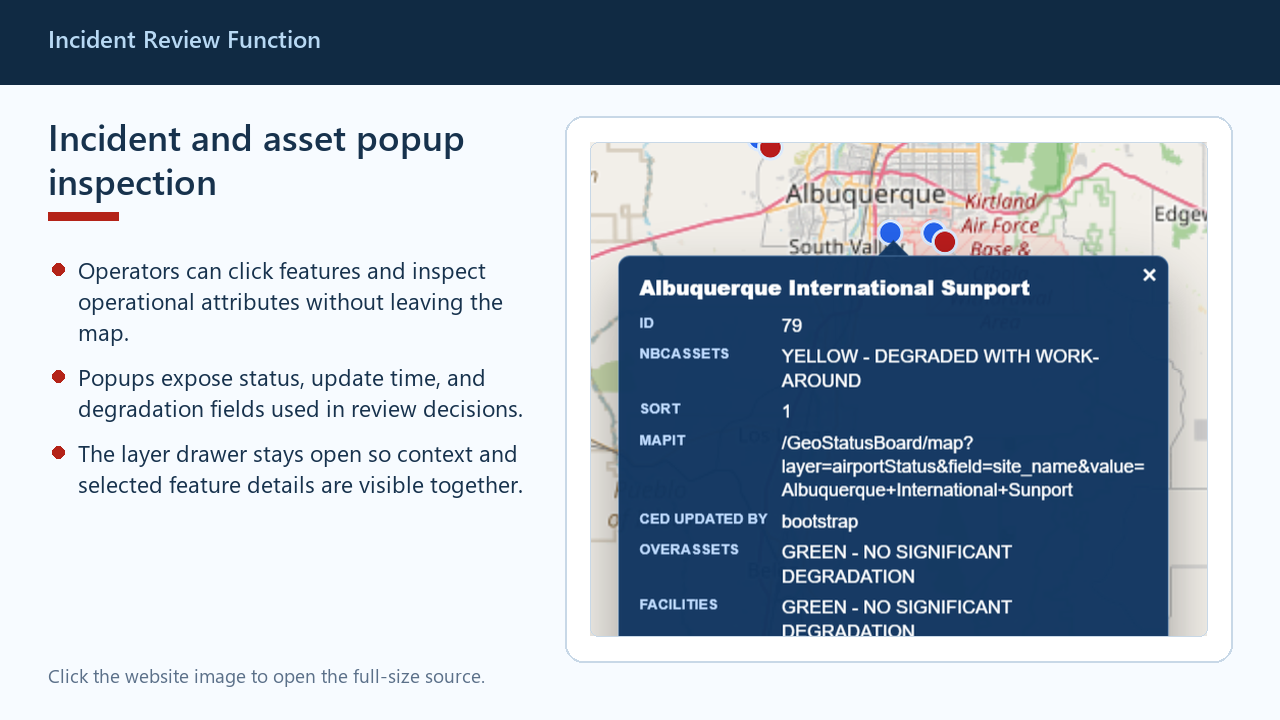
Incident Review Function
Shows selected feature attributes, status, update time, and degradation fields without leaving the map.
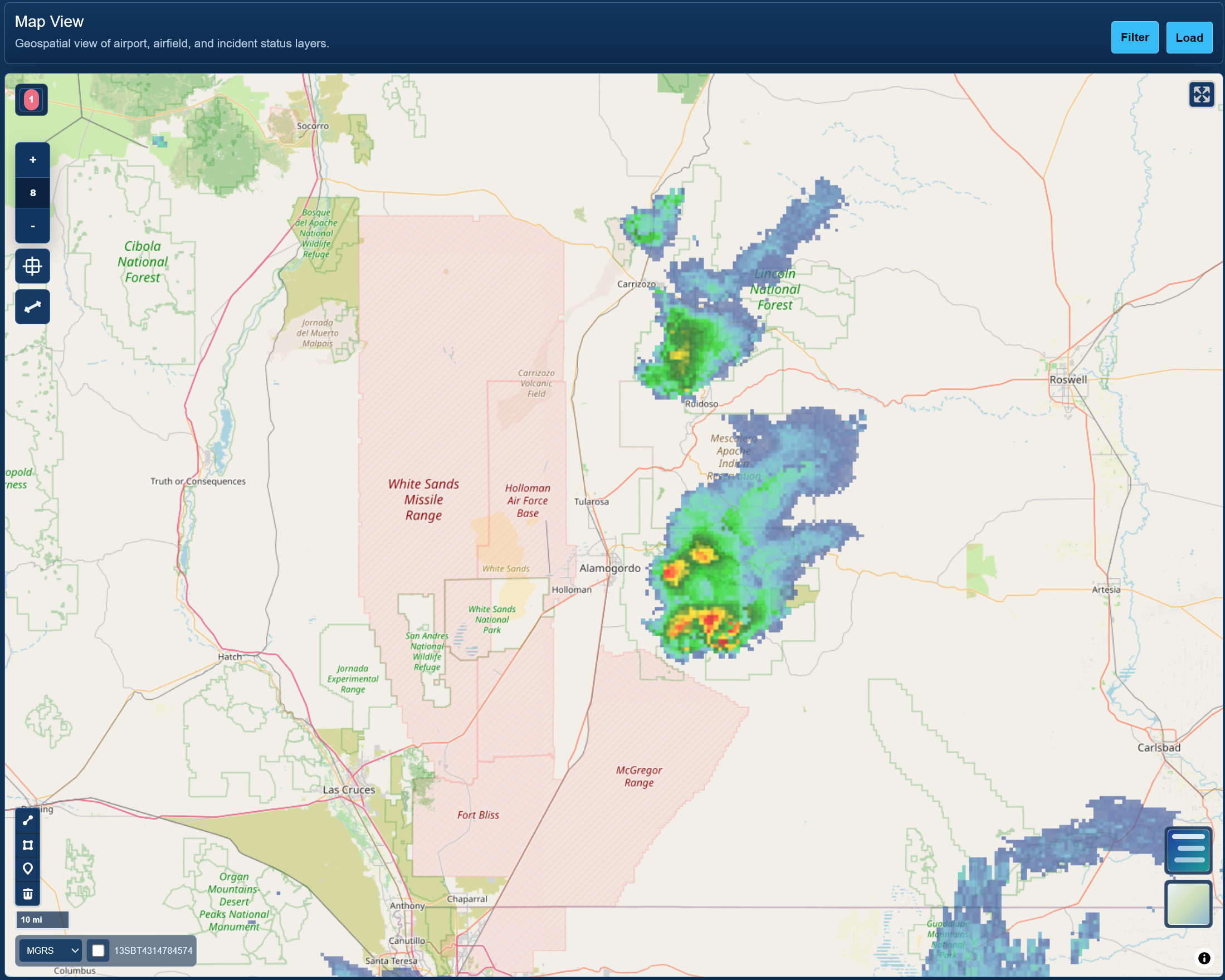
Weather Function
Adds external weather context to the same operational map used for assets, incidents, and GeoAI layers.
Screenshot Walkthrough
GeoAI workflow surfaces that show how imagery processing becomes GIS-ready output.
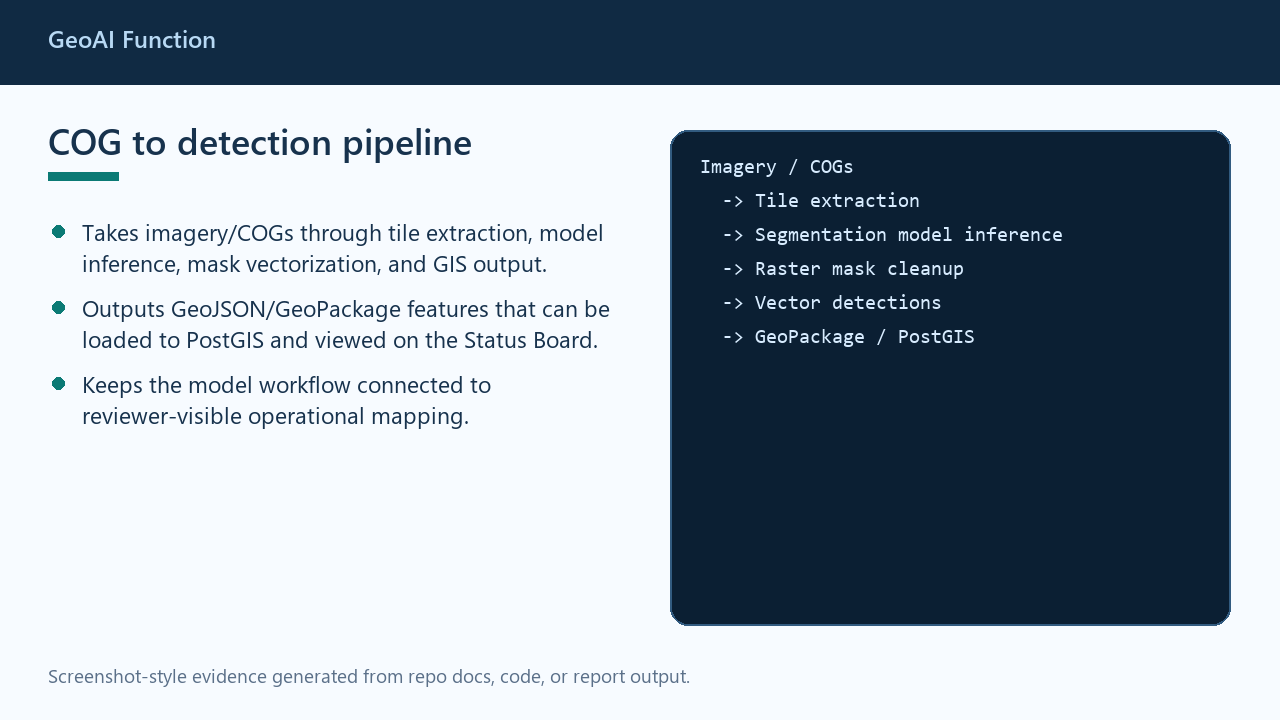
GeoAI Function
Documents the imagery-to-tiles-to-model-to-vectors path that feeds GeoPackage or PostGIS outputs.
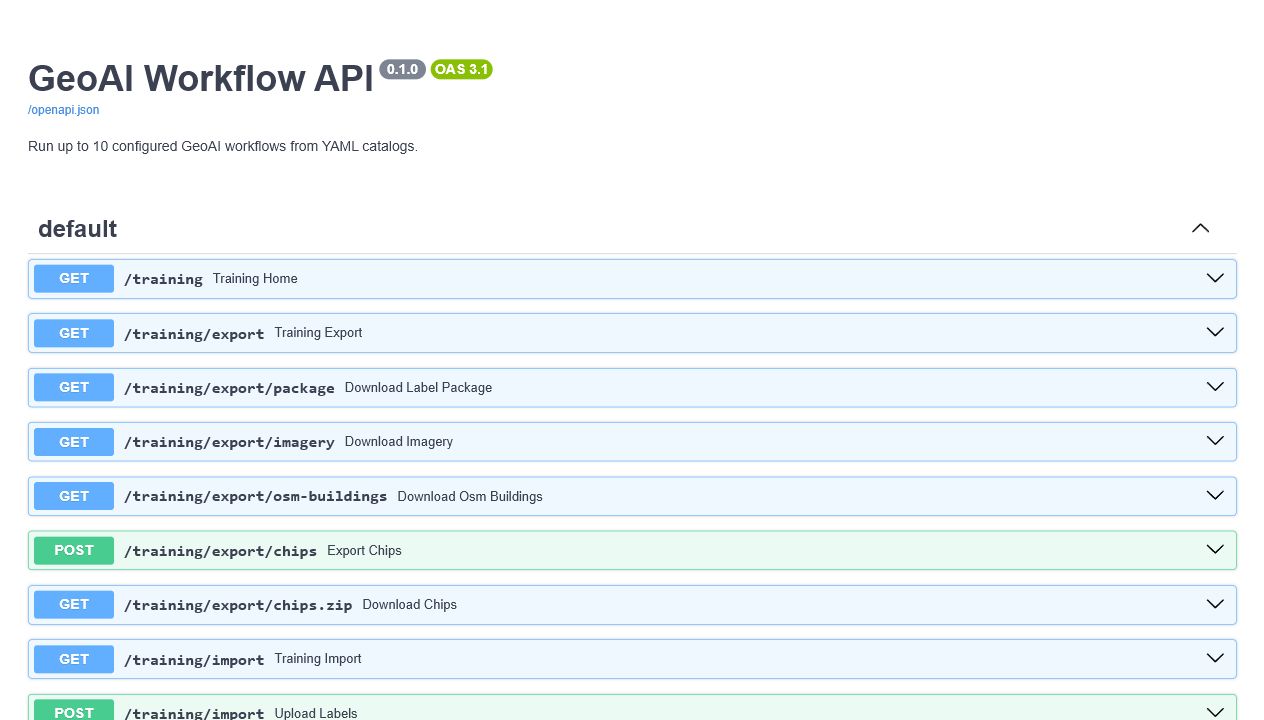
GeoAI Asset Detection Platform
FastAPI/OpenAPI surface for configured GeoAI workflow execution and training export routes.
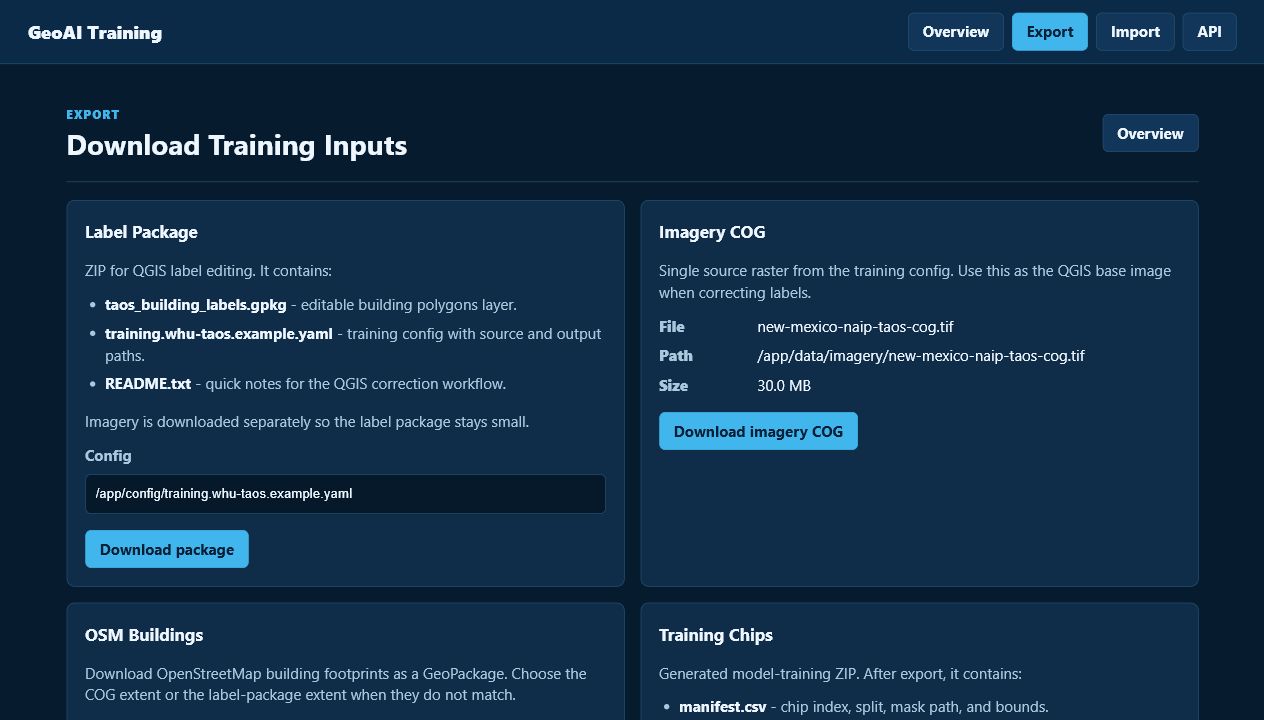
GeoAI Training
No-login web page for preparing training packages and reusable model data handoffs.
Screenshot Walkthrough
API and event-control screenshots for moving validated geospatial data into live map workflows.
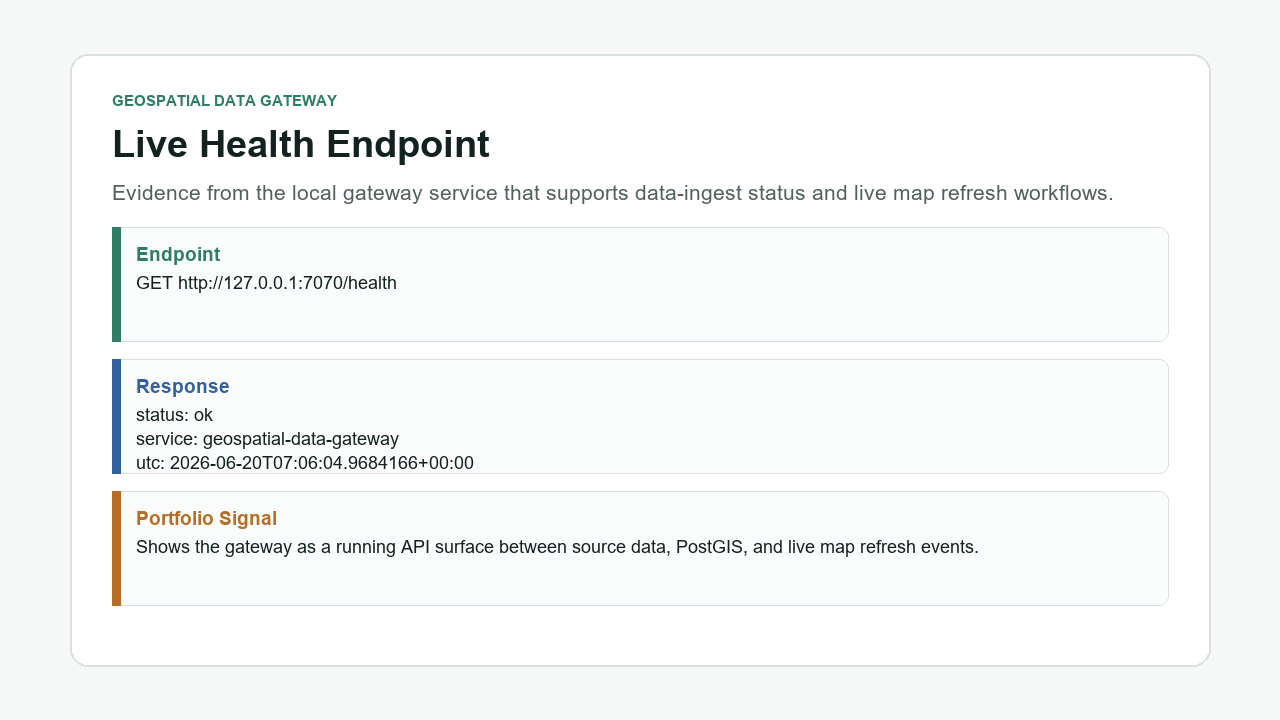
Geospatial Data Gateway
Service health proof for the ingest and SignalR-style live map refresh control plane.
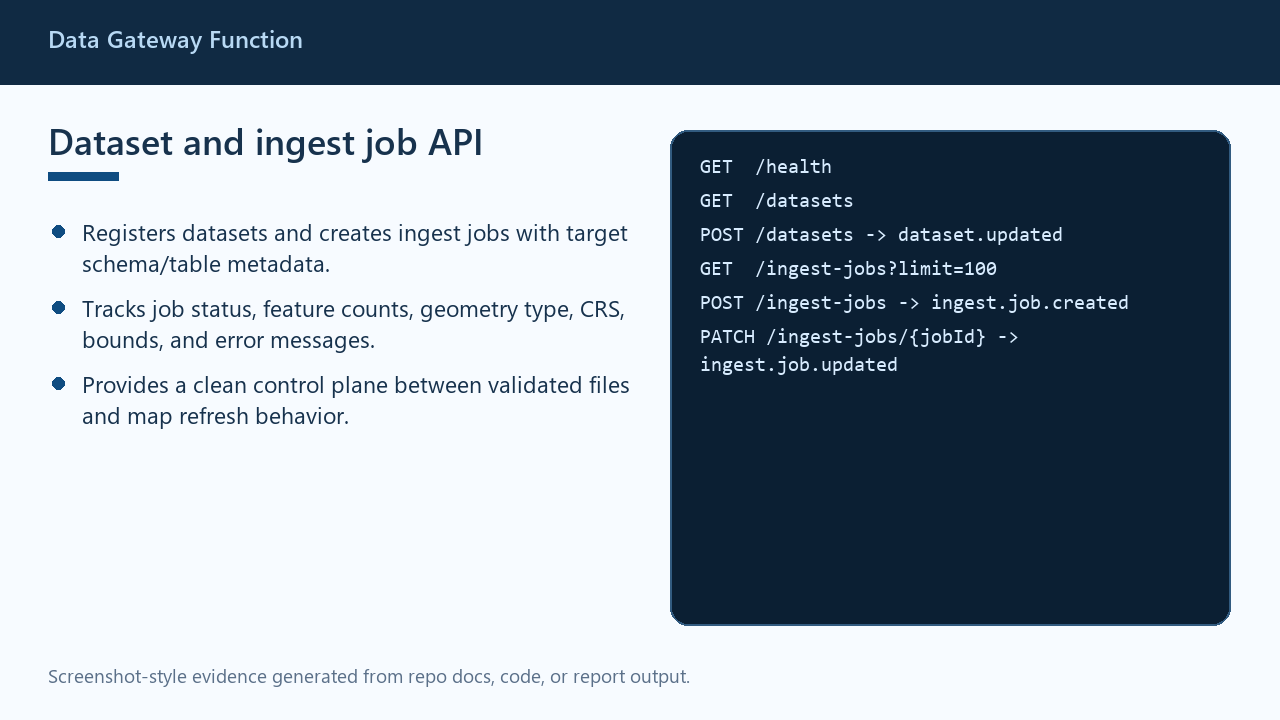
Data Gateway Function
Registers datasets, creates ingest jobs, and tracks load metadata such as schema, table, CRS, bounds, and status.
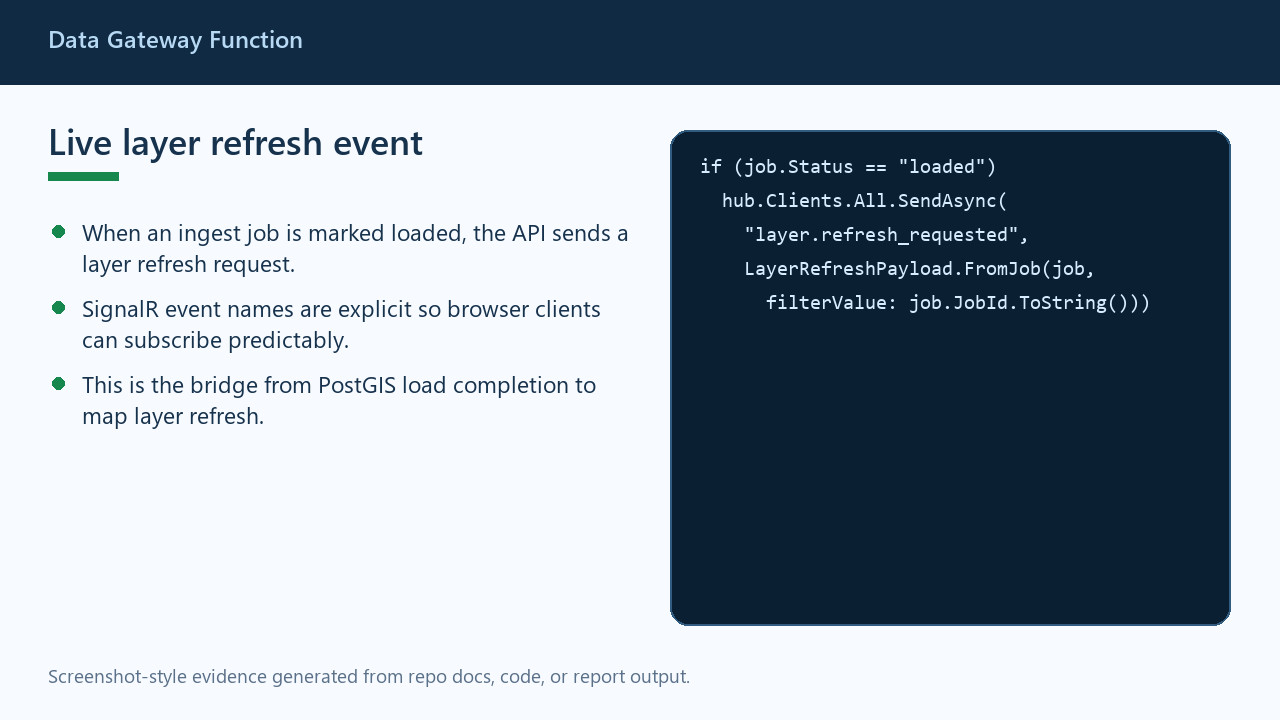
Data Gateway Function
Shows the SignalR event that lets browser maps refresh a layer after a PostGIS-backed ingest job is loaded.
Screenshot Walkthrough
Map-aware assistant tooling that keeps the MCP boundary explicit and the analysis explainable.
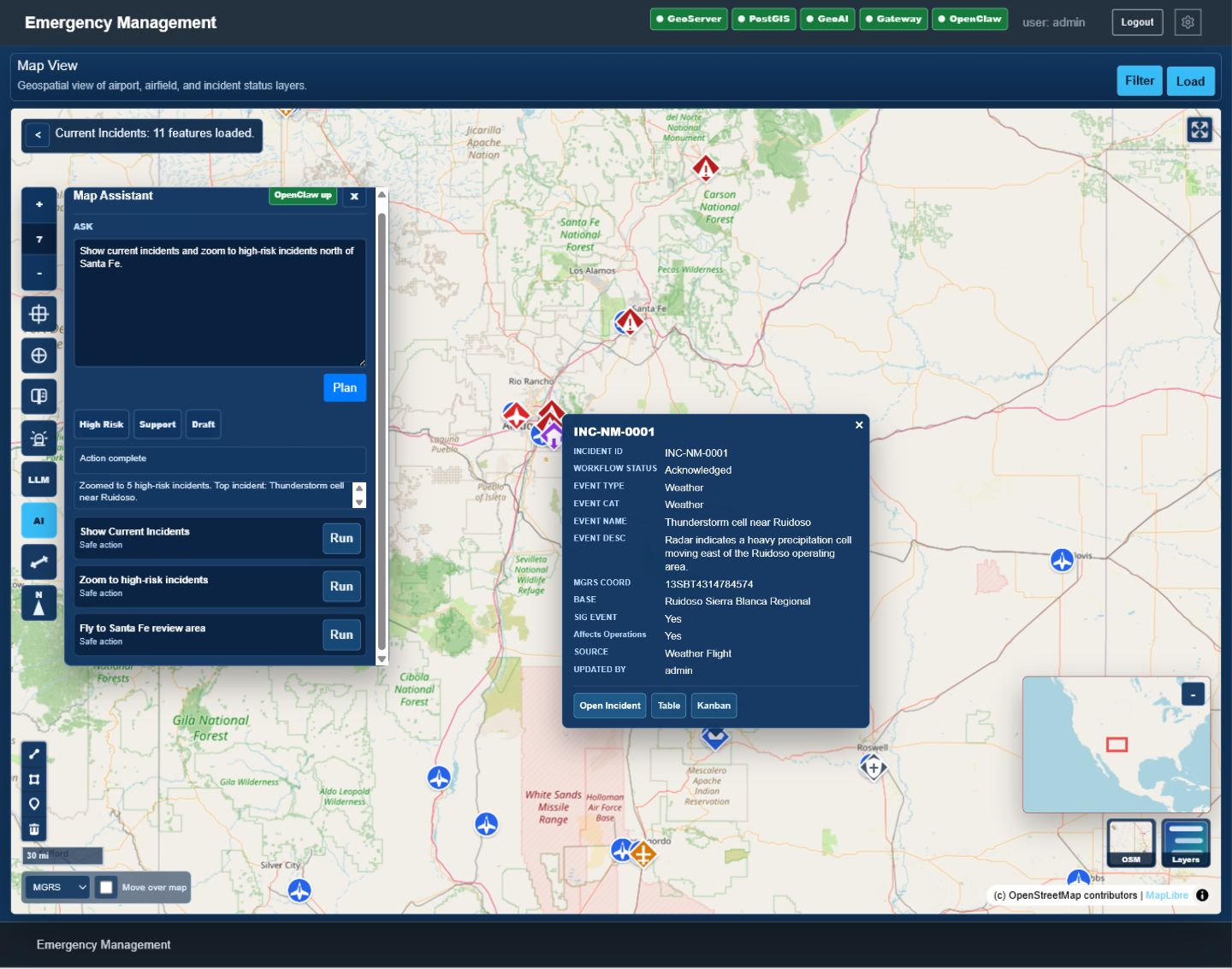
Status Board Assistant
Turns a natural-language prompt into reviewed map actions that show incidents, zoom to high-risk events, and open the existing incident popup.
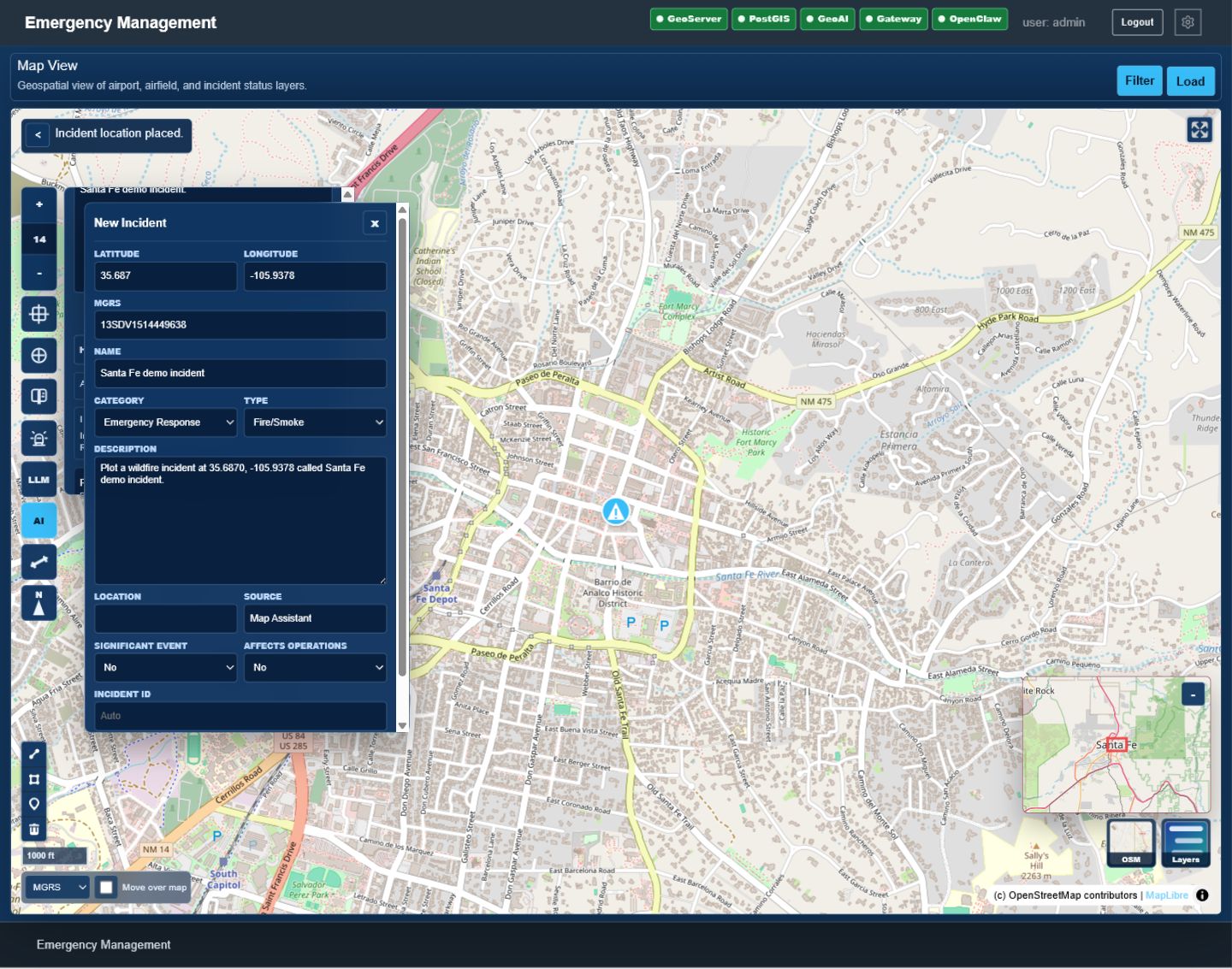
Status Board Assistant
Parses a title and latitude/longitude from a prompt, fills the existing incident form, and leaves the analyst in control of saving the record.
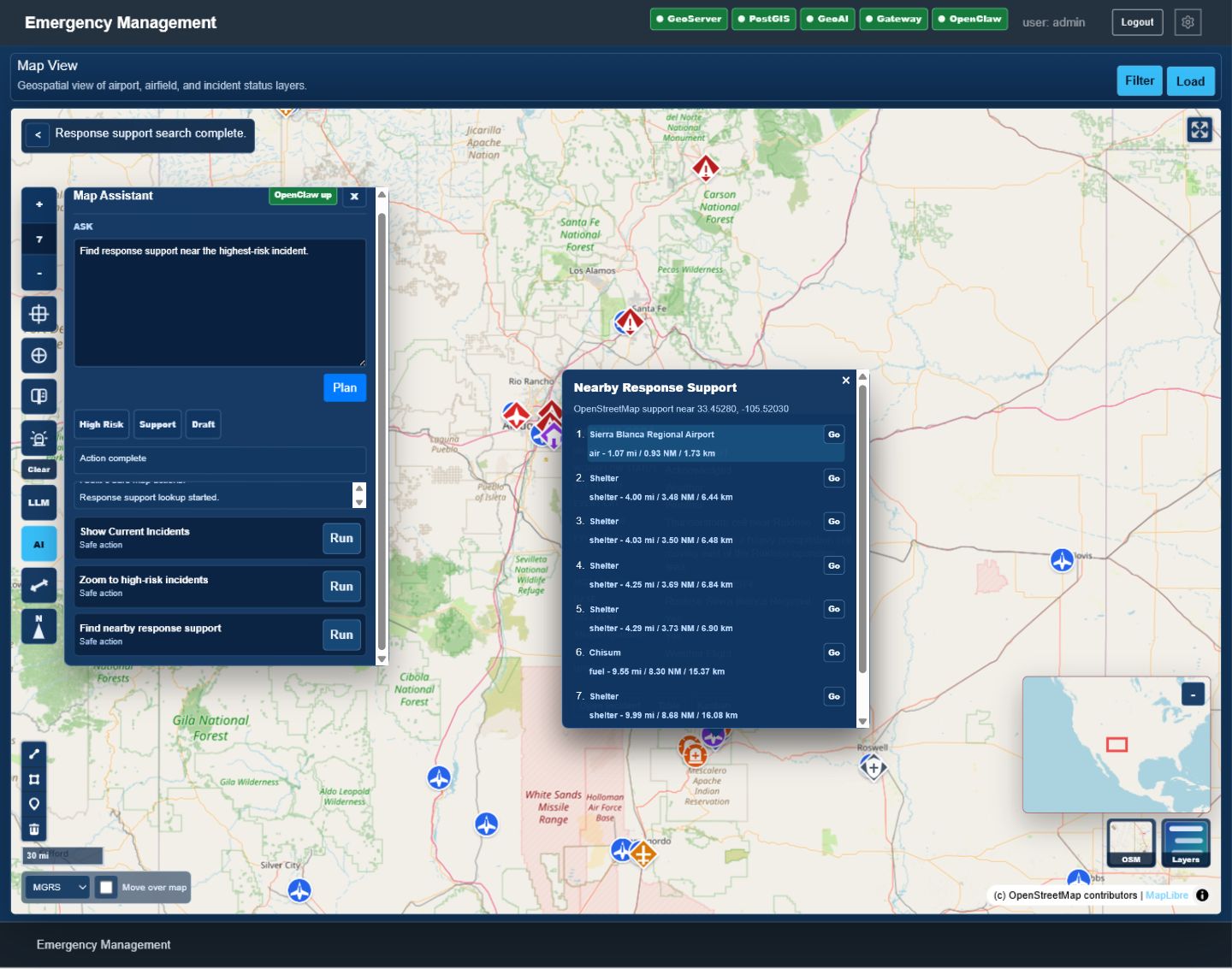
Status Board Assistant
Reuses the map's response-support workflow to find nearby OpenStreetMap support options around the selected incident context.
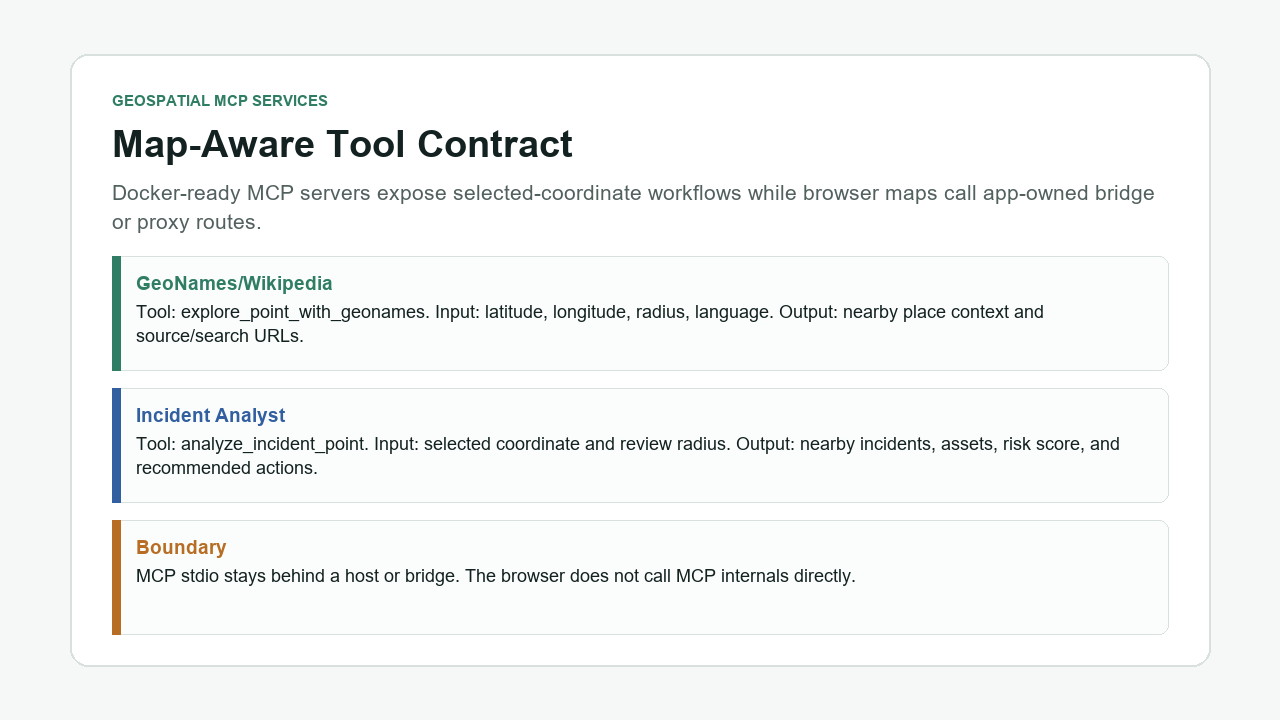
Geospatial MCP Services
GeoNames/Wikipedia and incident-analysis MCP tools with an explicit browser-to-bridge boundary.
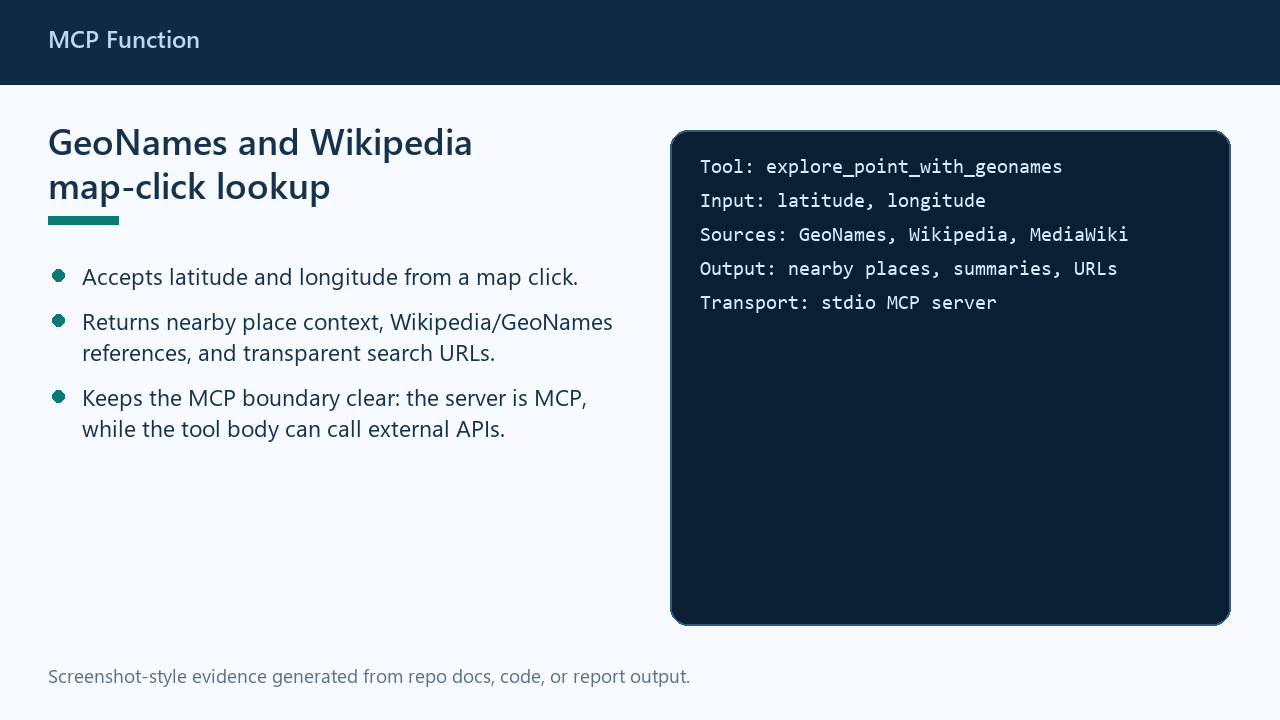
MCP Function
Accepts latitude and longitude from a map click and returns nearby place context, source links, and search URLs.
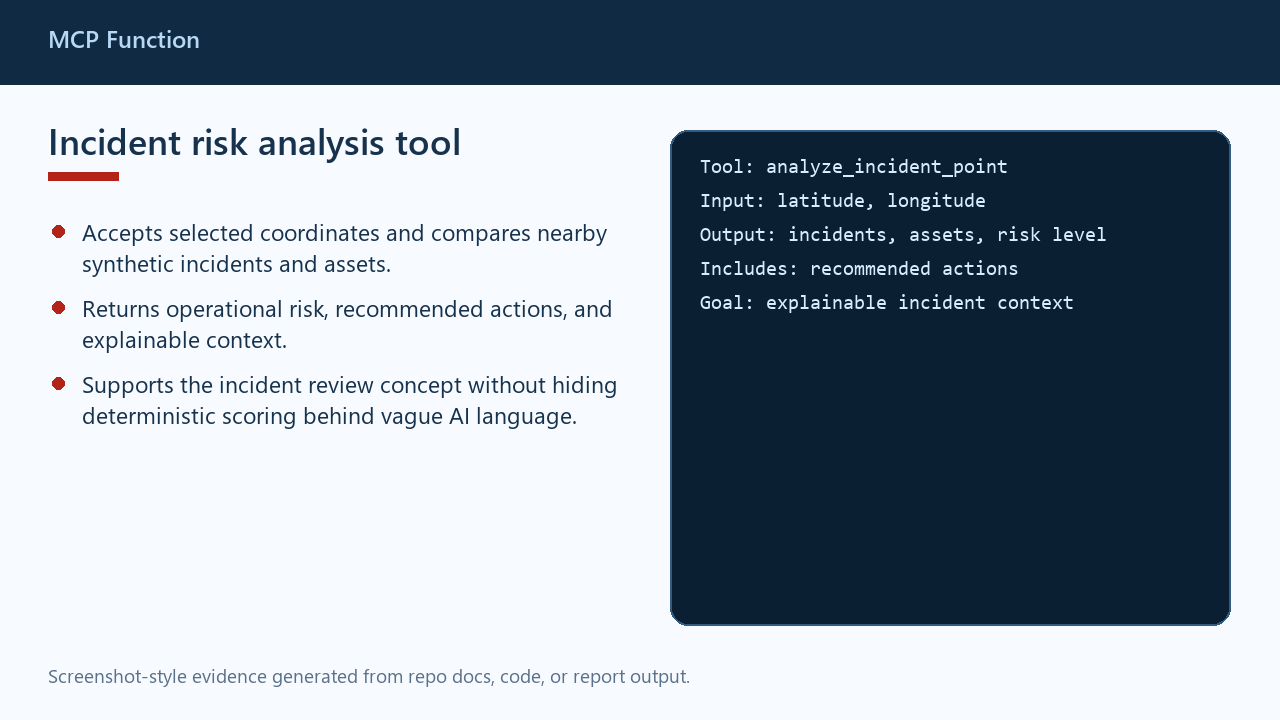
MCP Function
Uses selected coordinates to return nearby incidents, nearby assets, operational risk, and recommended actions.
Screenshot Walkthrough
One screenshot per major validation function added to the geospatial ETL toolkit.
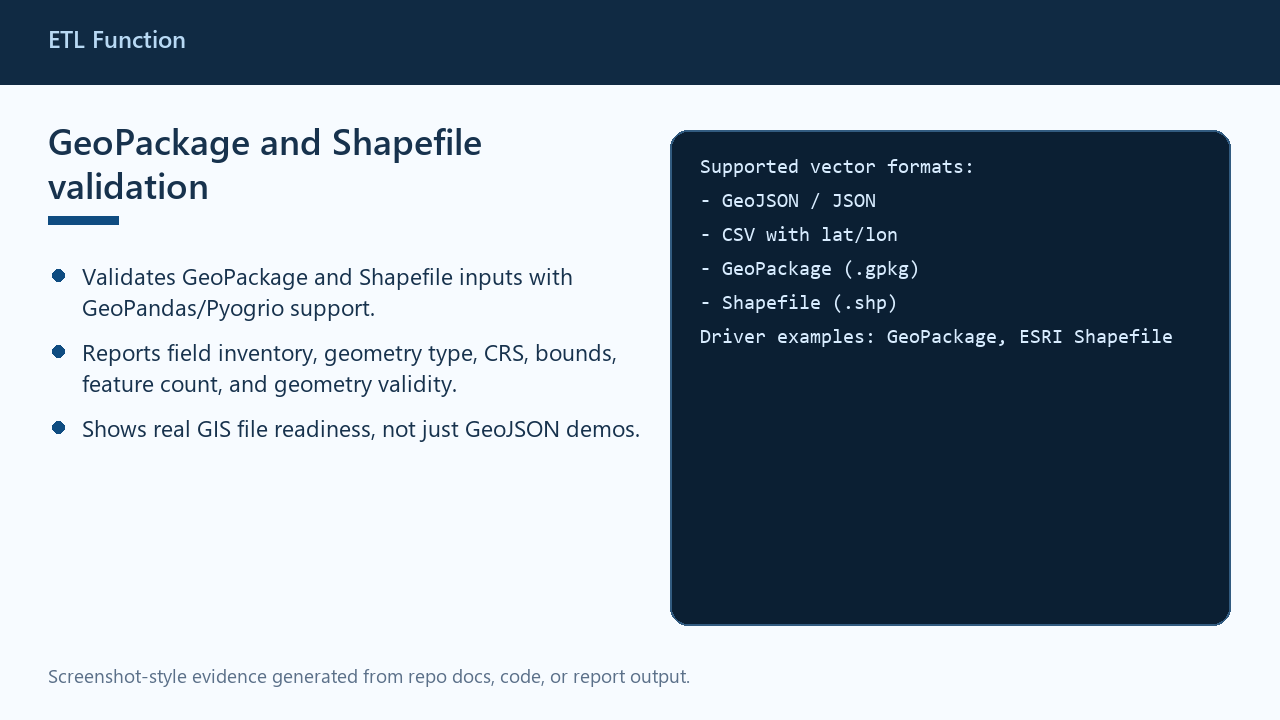
ETL Function
Validates real GIS vector formats through GeoPandas or Pyogrio and reports CRS, geometry, field, and feature metadata.
ETL Function
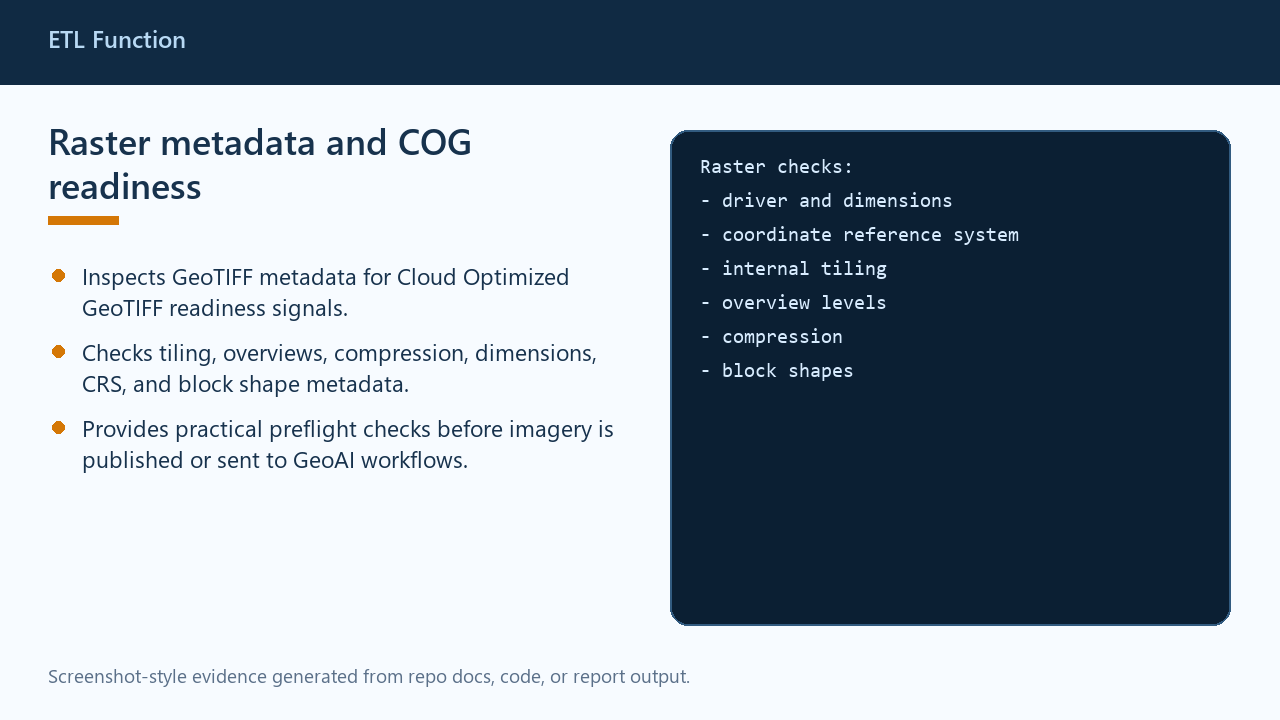
Inspects GeoTIFF metadata for Cloud Optimized GeoTIFF readiness signals such as tiling, overviews, and compression.
ETL Function
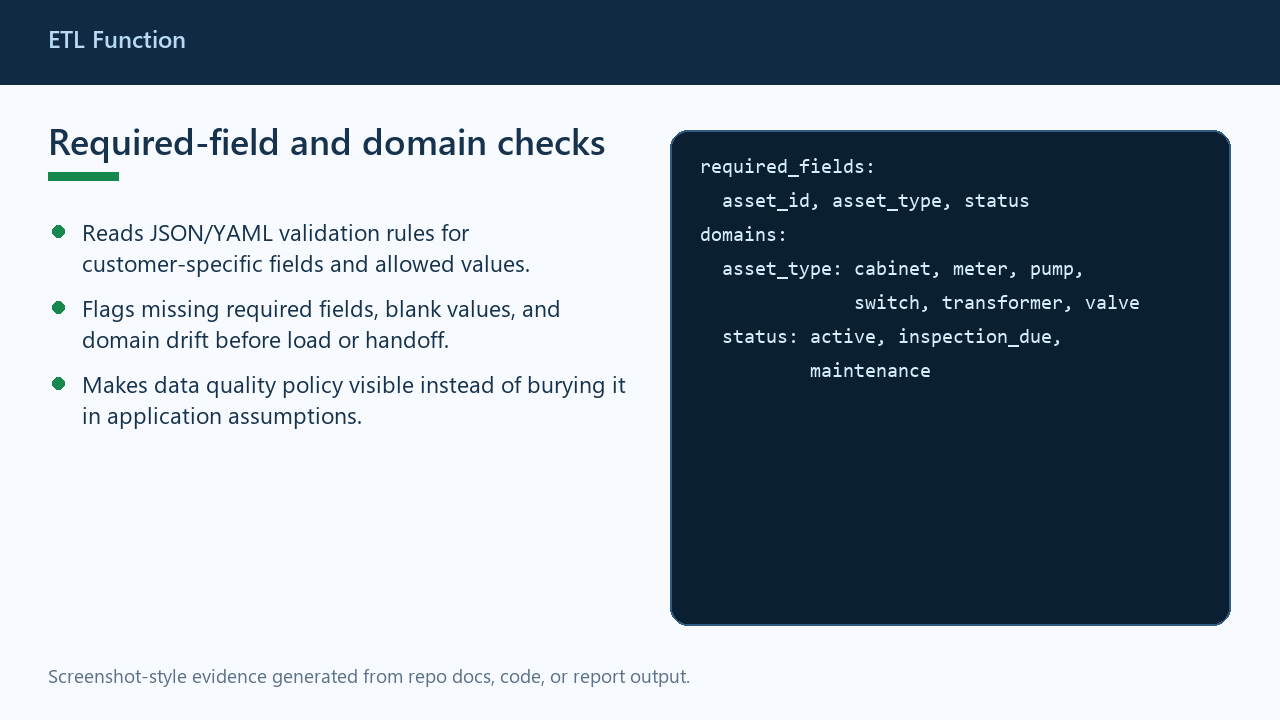
Applies JSON or YAML rule files to catch missing required fields, blank values, and invalid domain values.
ETL Function
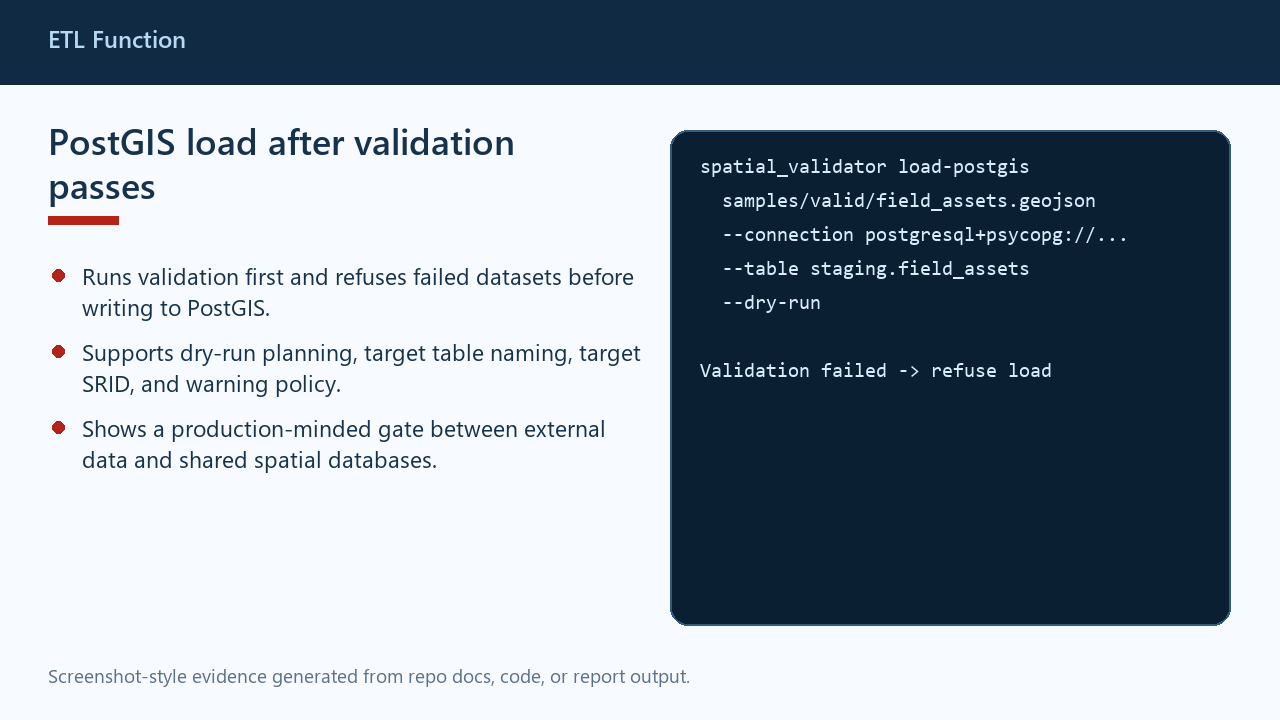
Validates first, refuses failed datasets, and supports dry-run planning before loading accepted vectors to PostGIS.
ETL Function
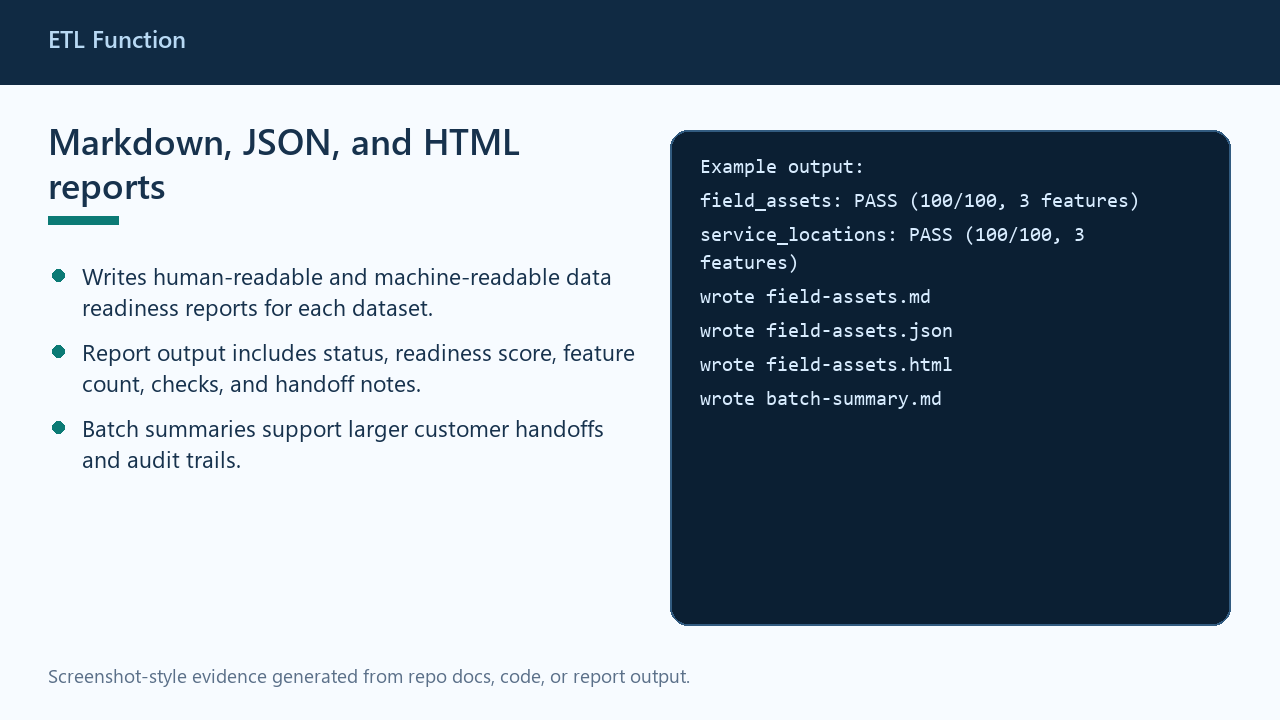
Produces readable and machine-friendly reports with status, readiness score, checks, and handoff notes.
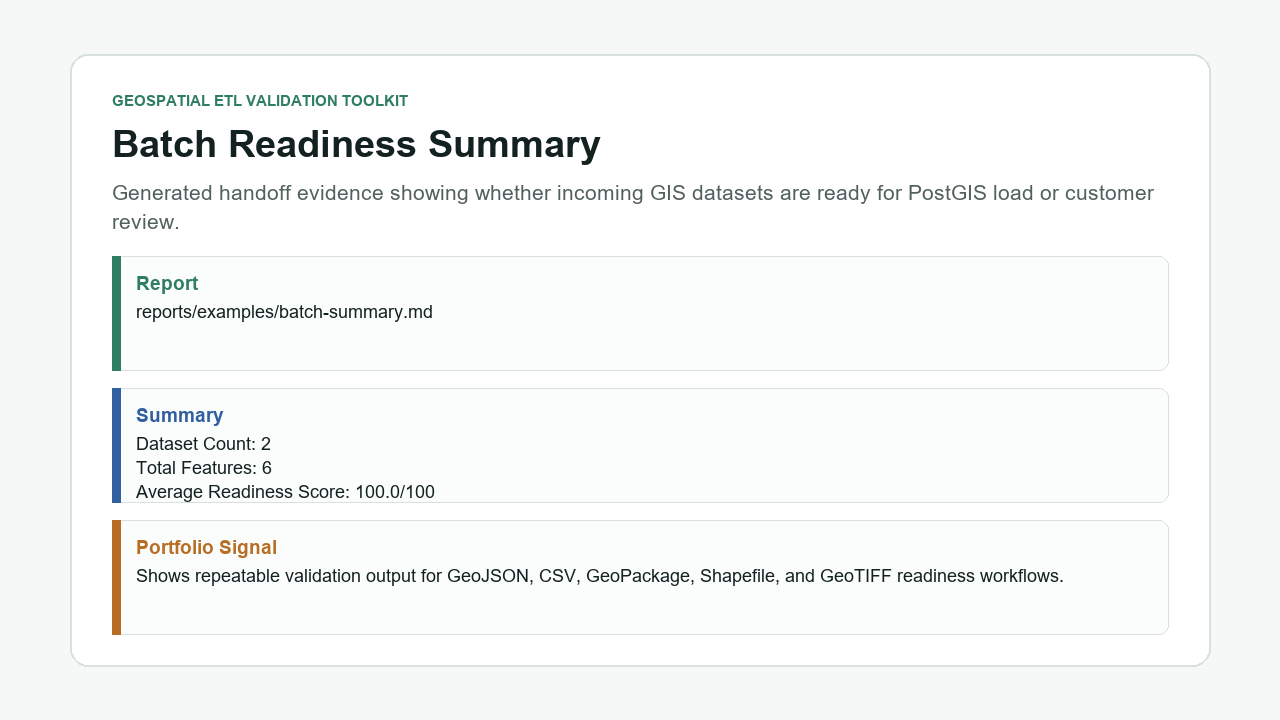
ETL Validation Toolkit
Generates a batch-level handoff summary so larger customer data deliveries can be inspected at a glance.